A power supply rated at 480W on the label may not always deliver 480W safely in the final machine. The usable output depends on the conditions under which it operates—especially ambient temperature, installation altitude, mounting orientation and cabinet airflow.
This is why industrial power-supply datasheets include derating curves. These curves tell engineers and procurement teams how much output power or current remains available when operating conditions move beyond the rated reference point.
Ignoring derating can cause nuisance shutdowns, unstable output, excessive fan noise, premature capacitor aging or repeated field failures. Reading the curve correctly before ordering is one of the simplest ways to protect uptime and avoid an undersized power supply.
What Does Power Supply Derating Mean?
Derating means intentionally reducing the maximum continuous output of a power supply when environmental or installation conditions make cooling more difficult.
The nameplate rating is normally valid only under the conditions defined in the datasheet. Once the ambient temperature rises above a stated threshold—or the unit is installed at high altitude or in a non-standard orientation—the permitted output may decrease.
A derating curve commonly shows:
- Ambient temperature on the horizontal axis
- Permitted output power or current on the vertical axis
- A flat section where full rated output is available
- A downward slope showing the required reduction beyond a defined condition
The exact threshold and slope are model-specific. Never apply one product’s curve to another model, even when both products have the same wattage.
Why Temperature Reduces Usable Output
Every switching power supply generates heat through semiconductor switching losses, transformer losses, rectification and internal resistance. That heat must move from the internal components to the enclosure and then into the surrounding air.
As cabinet temperature rises, the temperature difference between the power supply and the surrounding air becomes smaller. Cooling becomes less effective, while temperature-sensitive parts—especially electrolytic capacitors, switching devices and magnetic components—operate under greater stress.
Manufacturers therefore specify a temperature above which continuous output must be reduced. This protects the power supply from overheating and helps preserve service life.
A Simple Calculation Method
If a datasheet gives a linear derating rate, the available output can be estimated as:
$$ P_{available}=P_{rated}\times\left(1-D\times\Delta T\right) $$
Where:
- $P_{available}$ = permitted continuous output under the actual condition
- $P_{rated}$ = nameplate output
- $D$ = derating rate per degree, expressed as a decimal
- $\Delta T$ = degrees above the full-load temperature threshold
Illustrative example only: suppose a 480W supply allows full load to 50°C and its own datasheet specifies 2% derating per °C above 50°C. At 60°C, the reduction would be 20%, leaving 384W of permitted continuous output.
This example explains the calculation method; it is not a specification for an MZMW model. Always use the curve in the exact model datasheet.
High-Altitude Derating: Why Thinner Air Matters
At higher altitude, lower air density reduces natural convection and forced-air cooling. The same fan speed moves less cooling mass, and heat leaves internal components less effectively.
High altitude can also affect electrical-clearance requirements. For this reason, a datasheet may require:
- Reduced output power above a stated altitude
- A lower maximum ambient temperature
- Additional spacing or application review
- Forced ventilation inside the cabinet
Do not assume that every industrial power supply can operate at full load at the installation altitude. For mining, telecommunications, plateau infrastructure or high-elevation factories, include the site altitude in the RFQ.
Mounting Orientation and Airflow
Many enclosed and DIN-rail power supplies rely on a vertical “chimney effect”: cooler air enters through lower vents, passes over hot components and exits through upper vents.
Mounting the supply horizontally, upside down or too close to another heat source can interrupt this airflow. A supply that performs normally on an open test bench may run much hotter after installation inside a crowded cabinet.
Before approving the layout, check:
- The manufacturer’s required mounting direction
- Minimum clearance above, below and beside the unit
- Whether cable ducts block ventilation openings
- Heat from adjacent drives, contactors, transformers or braking resistors
- Whether the cabinet itself has adequate ventilation or cooling
If the required orientation differs from the datasheet, request written confirmation from the supplier before production.
How to Size a Power Supply After Derating
Start with the real electrical load—not only the nominal wattage printed on each device.
Step 1: Calculate the Steady-State Load
For a DC load:
$$ P=V\times I $$
Add the continuous power of PLCs, sensors, relays, valves, displays, communication modules and other connected equipment.
Step 2: Identify Peak and Startup Demand
Motors, solenoids, capacitive loads and some control electronics may draw more current during startup. Confirm whether the power supply’s overload behavior is suitable for the load rather than assuming that extra nameplate wattage will solve every startup problem.
Step 3: Apply the Exact Derating Curve
Use the worst expected cabinet temperature, installation altitude and mounting condition. The lowest permitted output among these conditions should guide the selection.
Step 4: Keep Practical Expansion Margin
Allow room for wiring losses, future I/O modules and normal production variation. The correct margin depends on the load profile and the datasheet; it should not replace the derating calculation.
Step 5: Select the Next Suitable Rating
If the calculated load exceeds the derated continuous output, choose a higher-power model, improve cabinet cooling or divide the load across multiple properly engineered supplies.
Example: Selecting a Supply for a Hot Control Cabinet
Assume an automation cabinet has a 24V continuous load of 14A:
$$ 24V\times14A=336W $$
The engineering team should not select a 350W unit based only on room-temperature nameplate power. They should first check:
- Maximum internal cabinet temperature
- The candidate model’s temperature curve
- Startup current of relays, valves or motors
- Installation orientation and spacing
- Expected future load expansion
If the datasheet shows that the candidate cannot continuously provide at least 336W under the actual cabinet conditions, the design needs a higher rating or better thermal management.
Common Derating Mistakes
1. Using Room Temperature Instead of Cabinet Temperature
The temperature around the power supply can be much higher than the room. Measure or estimate the internal temperature at the supply’s installed position.
2. Treating “Operating Temperature” as “Full-Load Temperature”
A wide operating-temperature range does not necessarily mean full rated output is available across that entire range. The derating curve—not the headline range—defines usable power.
3. Blocking Ventilation Openings
Cable ducts, nearby components and insufficient spacing can create local hot spots even when cabinet temperature appears acceptable.
4. Ignoring Altitude in the RFQ
A model selected for sea-level use may need reduced loading at a high-elevation site. Share the installation altitude before samples or production are confirmed.
5. Assuming a Larger Fan Solves Every Issue
Airflow helps only when cool air can enter and hot air can leave. Poor cabinet design, dust filters and recirculating hot air can still limit performance.
What Procurement Teams Should Ask Before Ordering
Request the following information for the exact model number:
- Temperature derating curve
- Altitude derating requirement
- Approved mounting orientation
- Required ventilation clearances
- Cooling method and fan-control logic, if applicable
- Continuous versus peak output capability
- Overload-protection behavior
- Operating-temperature test conditions
- Relevant compliance documents for the destination market
For OEM orders, include the real load, input voltage, output voltage/current, cabinet temperature, installation altitude, mounting method and annual quantity. This gives the manufacturer enough information to recommend a suitable model rather than only quoting by wattage.
Choosing the Right MZMW Power Supply
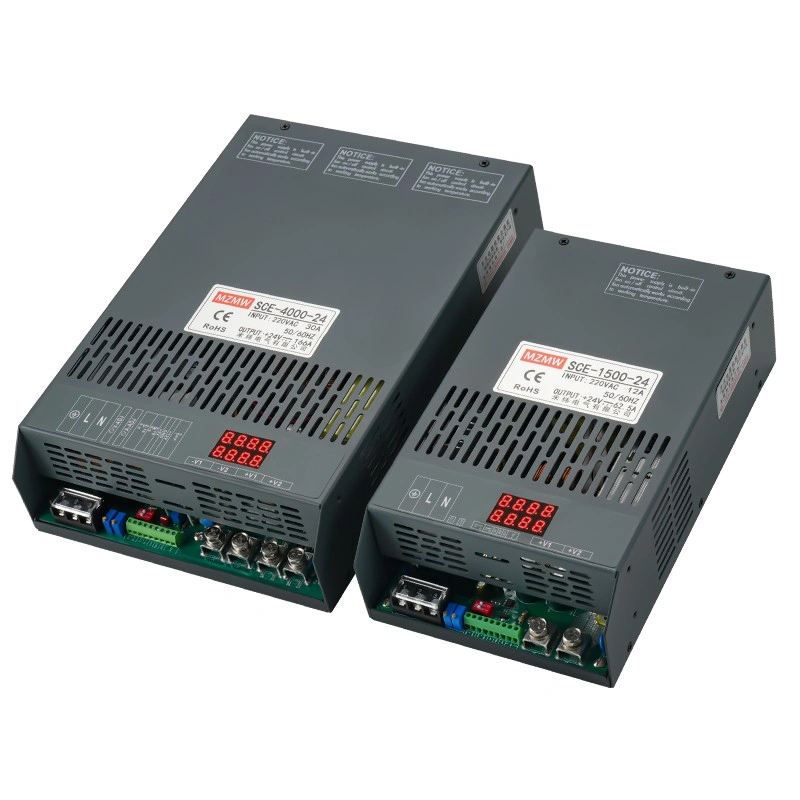
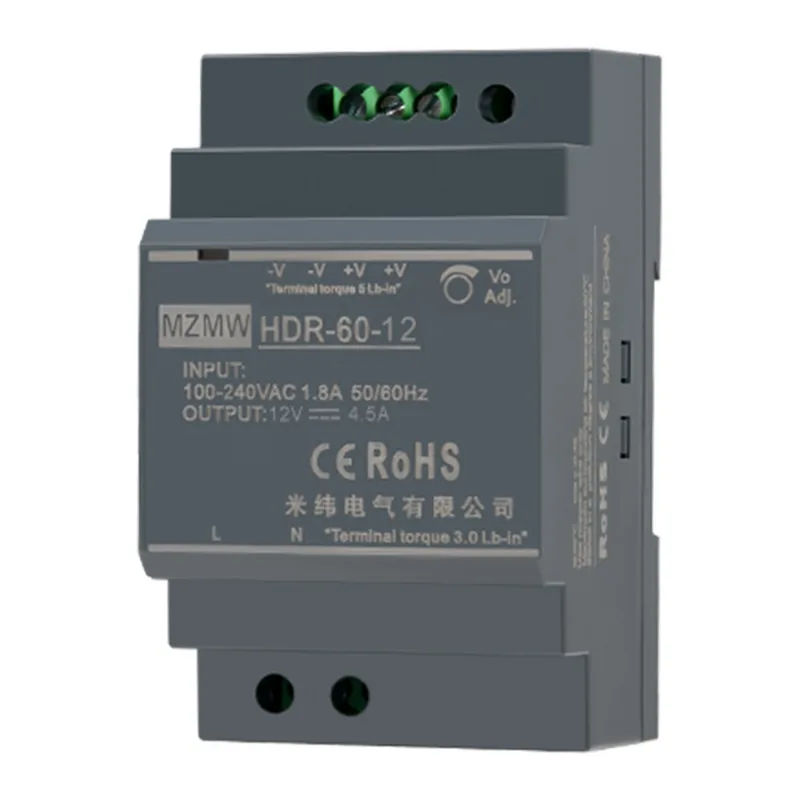
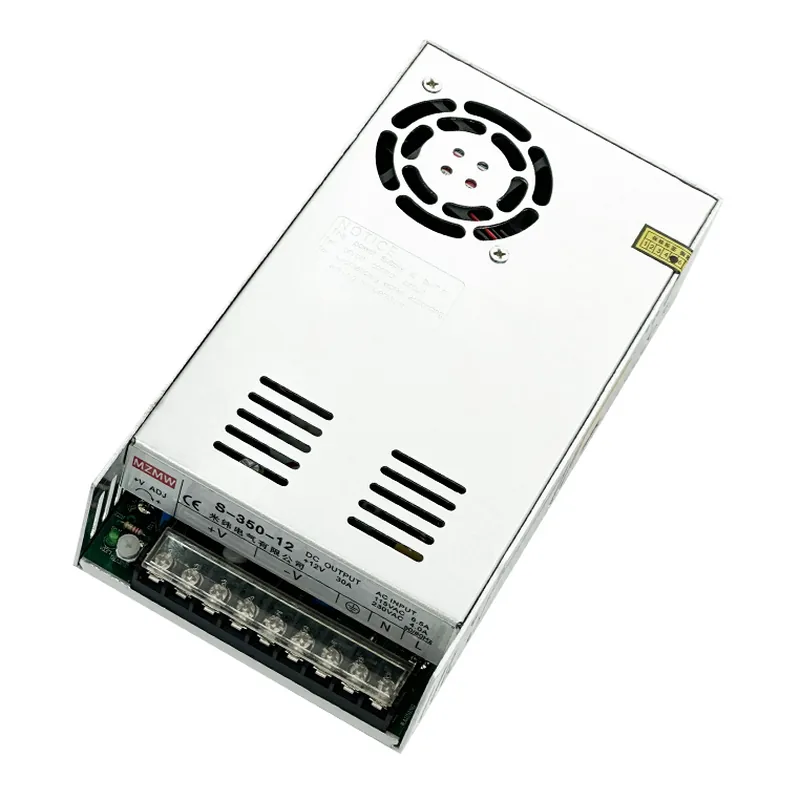
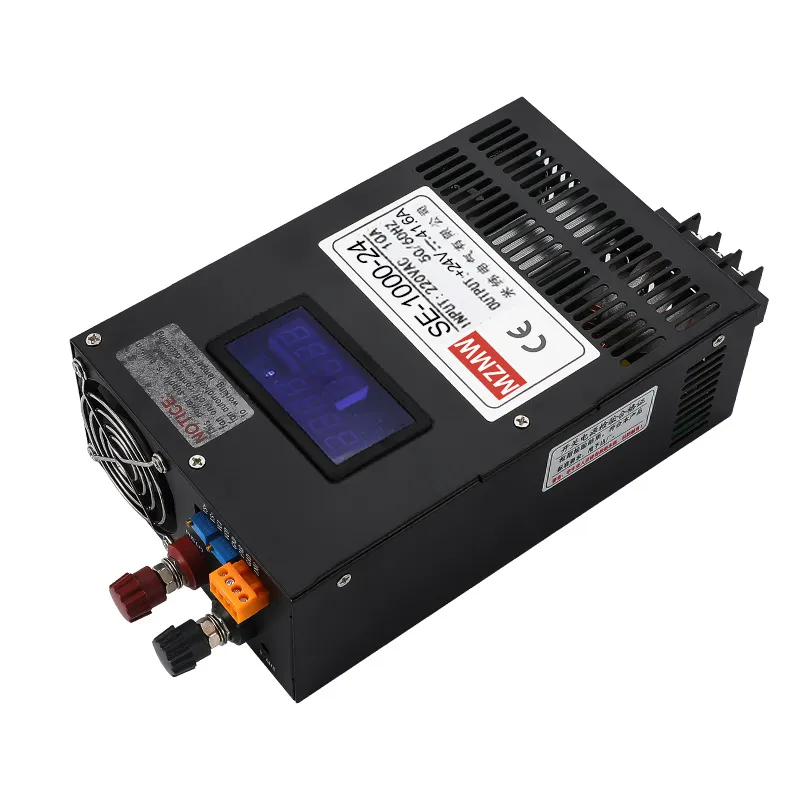
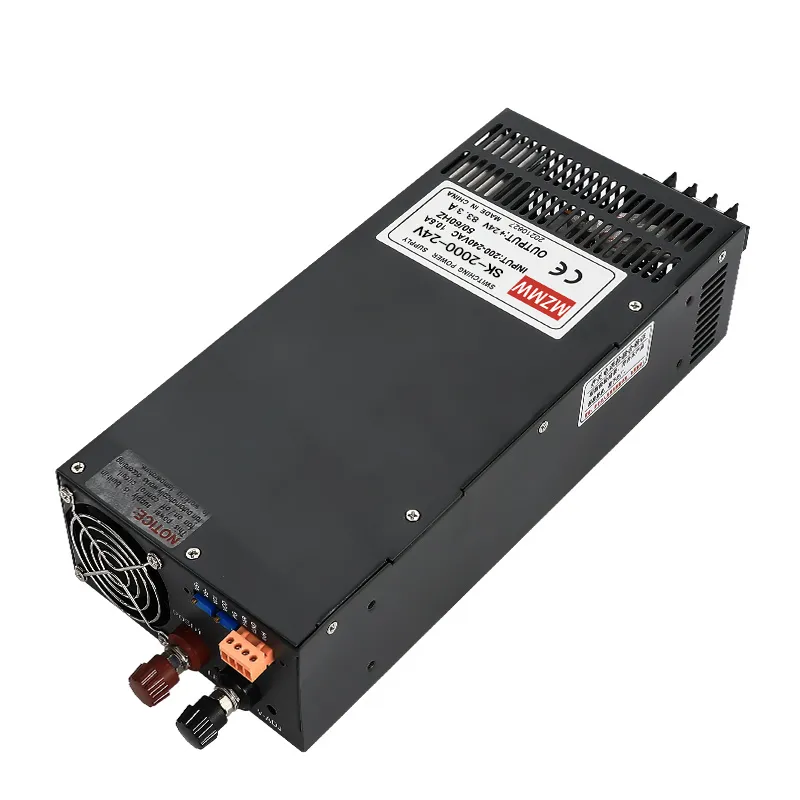
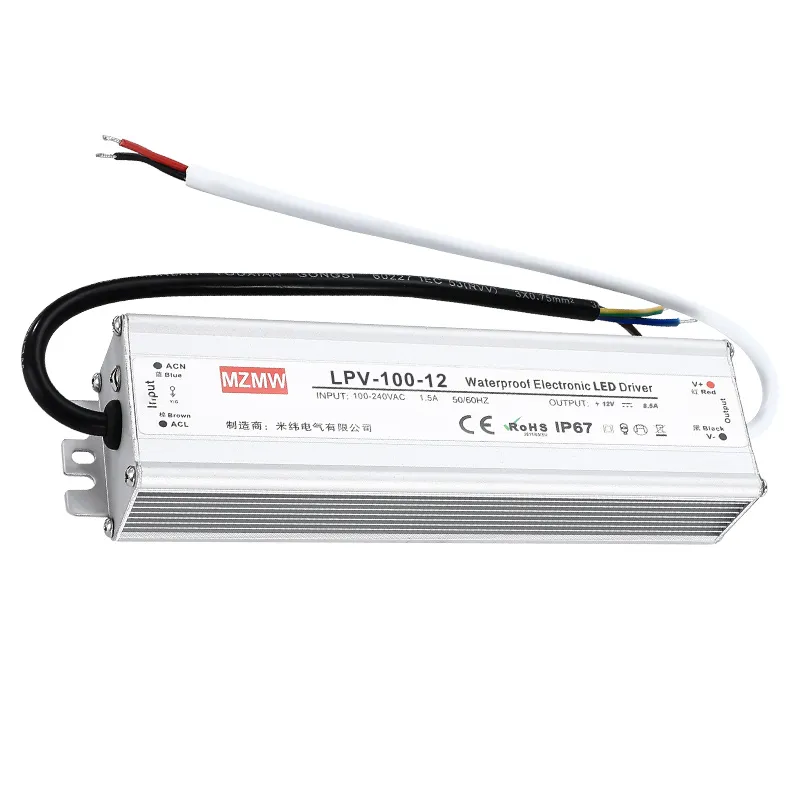
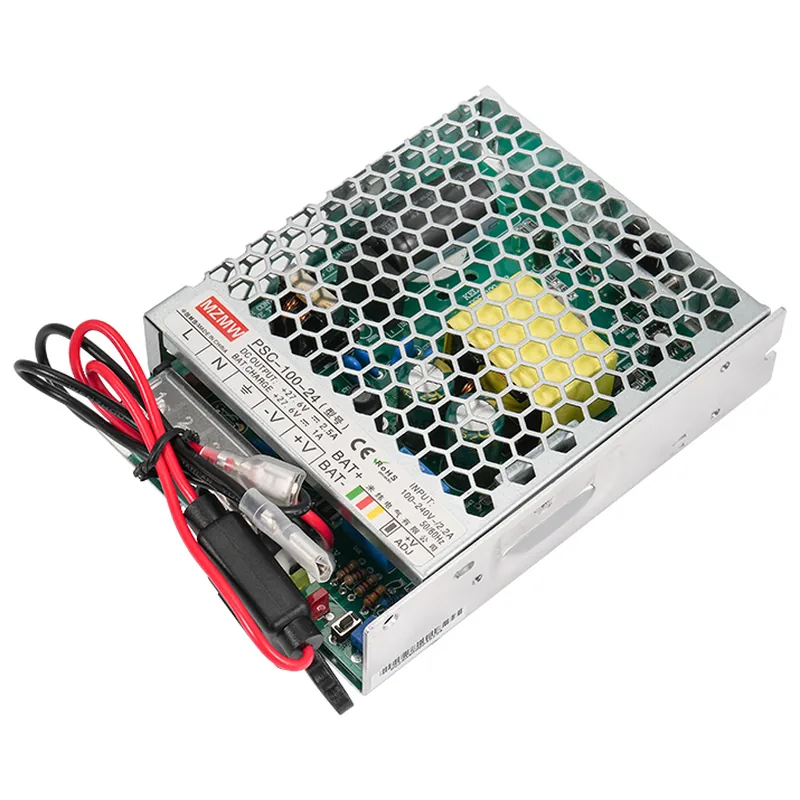
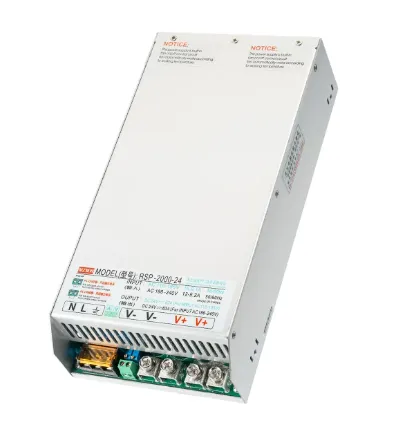
MZMW supplies enclosed switching power supplies, DIN-rail power supplies, high-power SE/SK models and application-specific AC/DC solutions for industrial equipment.
Because derating behavior is model-specific, we do not recommend selecting by wattage alone. Send us the following five details:
- Input voltage
- Required DC output voltage and continuous current
- Peak or startup current
- Maximum ambient or cabinet temperature
- Installation altitude and mounting orientation
Our team can then match the application to an appropriate product family and confirm which model documents are available.
For a broader first-stage checklist, read our switching power supply selection guide. To discuss a project, send an inquiry with your electrical and environmental requirements.
Conclusion
A derating curve is not a minor datasheet detail. It connects the laboratory nameplate rating to the usable power available inside the real machine.
By checking temperature, altitude, airflow and mounting orientation before ordering, engineers can avoid undersizing, procurement teams can compare suppliers more accurately, and OEMs can reduce thermal shutdowns and premature failures in the field.